Coming soon · Windows
Twelve Minus One Labradors
A local voice-design, cloning and performance-conversion studio for Windows. $9.99 one-time when it launches.
Compatibility details ruvau.com
FaceTweak for DaVinci Resolve · Premiere Pro
Correct an eyeline, eye openness, a squint or a mouth shape right on the Resolve timeline. Keyframe the change, preview it on your footage and keep the edit moving.
DaVinci Resolve Free & Studio Premiere Pro Local processing One-time purchase Two active computers
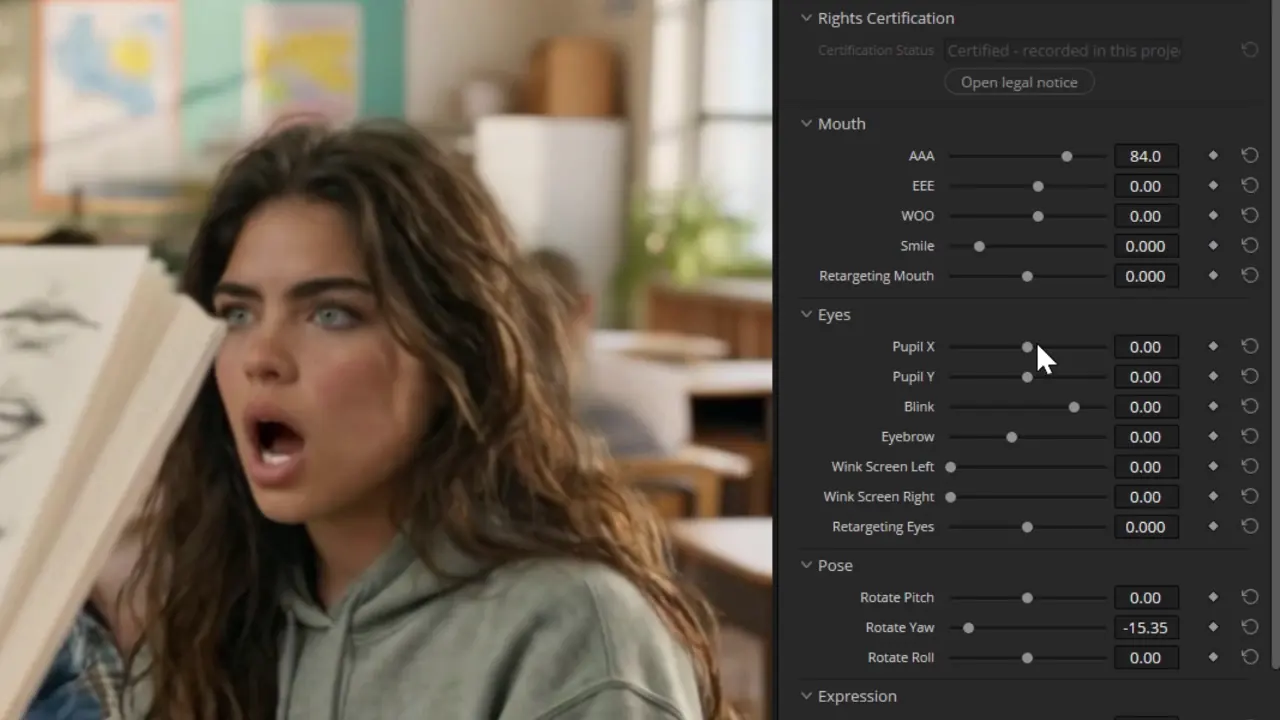 FaceTweak controls adjusting a facial performance in DaVinci ResolveVideo loads when in view
Frame-level control over a performance.
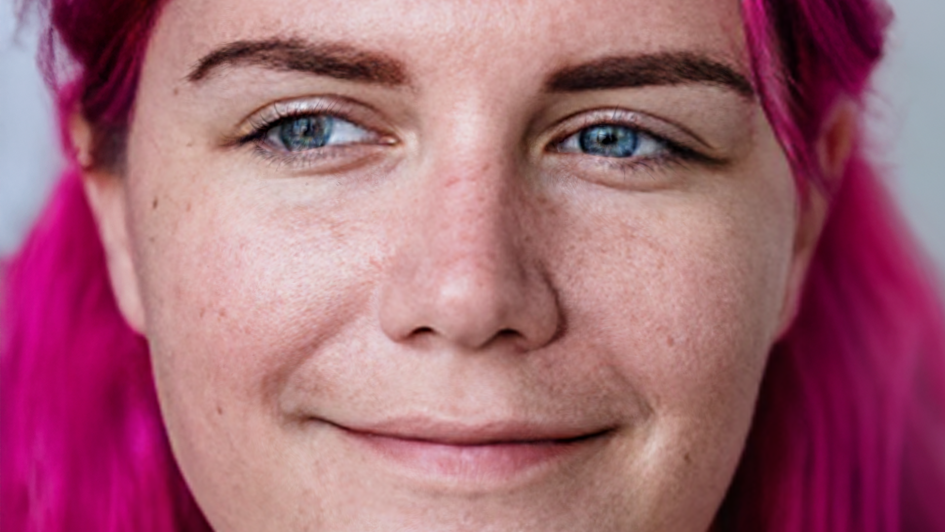
FaceTweak gives editors precise controls for gaze, eyes, brows, jaw, mouth and symmetry. Adjust live actors or cartoon faces in the edit, without a round trip to another app.
Apply FaceTweak to the clip and choose the face to adjust — live actor or cartoon. It tracks through the shot.
Eyeline, eyes, brows, jaw, mouth, symmetry. Keyframe them for lip-sync fixes. Subtle by design — the frame should still look like the character.
The adjustment lives on the timeline like any other effect. Change your mind later; nothing is baked in.
One permanent license for two active computers, in DaVinci Resolve or Adobe Premiere Pro, on Mac and Windows. Windows and macOS installers are available. The same trial installation becomes licensed when you enter your key.
Compatibility & installation How-to guidesTry it before you buy. The free trial is the quickest way to see how it feels on your system. FaceTweak is designed for interactive adjustment on recommended hardware. CPU fallback is available, but performance may be restricted. Get the trial · Will it run on mine?
FaceTweak works with both DaVinci Resolve (free) and DaVinci Resolve Studio.
Windows: An NVIDIA GPU with at least 8 GB of VRAM is recommended for best performance. CPU fallback is available, but performance may be restricted.
Mac: Apple silicon M1 or later with at least 16 GB of unified memory, macOS 15 Sequoia or later, and DaVinci Resolve 21 or later (free or Studio). An M2 Pro-class Mac with 24 GB or more is recommended.
Use the free trial with your own footage and workflow to check performance before buying. See Compatibility & support for more details.
Yes. FaceTweak works in Adobe Premiere Pro on Mac and Windows. One license unlocks FaceTweak on up to two computers, in either DaVinci Resolve or Premiere Pro.
The full plugin, watermarked. Trial renders carry diagonal stripes across the frame, so you can prove FaceTweak works with your footage before you pay, with nothing held back.
No. Enter your licence number in the plugin you already installed and the stripes are gone: the trial install becomes the full version, with your settings and timeline effects intact. No second download.
Yes. FaceTweak works on live actors and cartoon faces with the same sliders and the same timeline workflow.
FaceTweak does its best to gracefully warp surrounding near pixels to blend any changes. Any pixels beyond the near vicinity are unchanged. For occluding foreground objects (like the edge of the book in our demo video) you may need to mask the object back over the frame to prevent unwanted distortion.
Your mileage will vary. On UHD close-ups the detail augmentation may produce undesirable texture. Try experimenting with the UHD Detail Reprojection Blend and UHD denoise settings. You can also use Resolve’s facial feature masking to help apply the changes more judiciously. Be sure to test the trial version on sample UHD footage before purchase to ensure it meets your needs. The close-ups and 4K guide walks through the settings.
More from RUVAU
A local voice-design, cloning and performance-conversion studio for Windows. $9.99 one-time when it launches.
Compatibility detailsBuild the story before the first frame, from idea to screenplay.
Discover Scripter.cloud ↗An image and video organization utility that gives the files you want to keep a place you can find again.