Will it run on my system?
FaceTweak works in Adobe Premiere Pro and with both DaVinci Resolve (free) and DaVinci Resolve Studio, on Windows and macOS.
Windows: An NVIDIA GPU with at least 8 GB of VRAM is recommended for best performance. CPU fallback is available, but performance may be restricted.
Mac: Apple silicon M1 or later with at least 16 GB of unified memory, macOS 15 Sequoia or later, and, for Resolve workflows, DaVinci Resolve 21 or later (free or Studio). An M2 Pro-class Mac with 24 GB or more is recommended.
Use the free trial with your own footage and workflow to check performance before buying. See Compatibility & support for more details.
Does FaceTweak work with UHD and 4K footage?
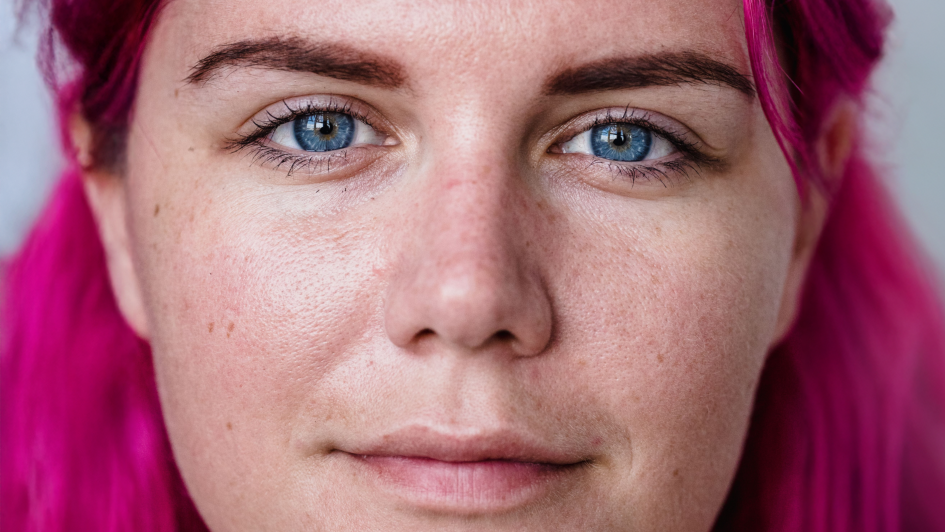
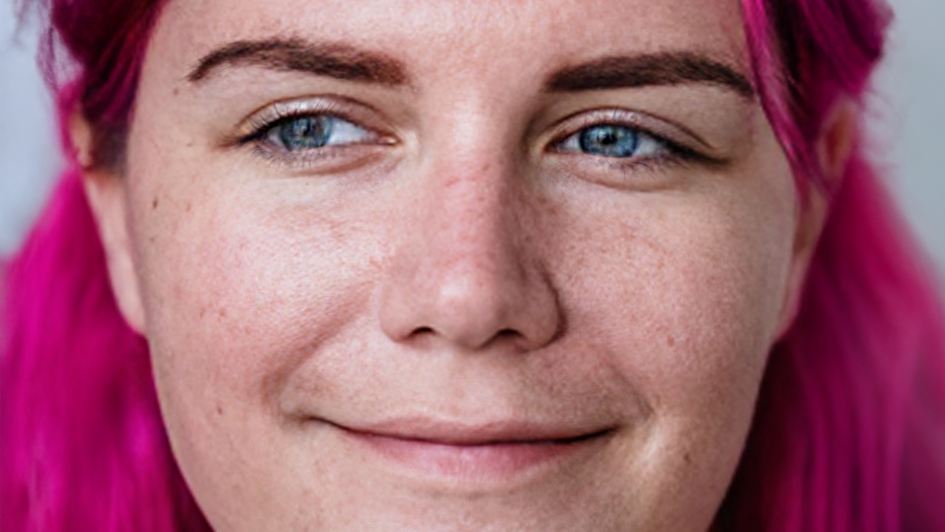
Yes. On large faces, UHD Detail Reprojection retains and reshapes the original photographed skin detail instead of simply enlarging a 512-pixel redraw. Newly revealed areas, such as teeth inside an opened mouth, can use generated pixels, with optional detail enhancement. The close-up treatment switches on automatically as the face grows larger. Results still depend on the shot: review at full quality and test your own close-ups with the trial before buying.
Close-ups and Extreme Close-ups in resolutions of UHD and beyond may require minor VFX clean-up. Be sure to test with temporal correction on your footage before purchase.
See the close-ups and 4K guide.
Does it work in Premiere Pro?
Yes. FaceTweak works in Adobe Premiere Pro on Mac and Windows. One license unlocks FaceTweak on up to two computers, in either DaVinci Resolve or Premiere Pro. Download the Premiere Pro installer for Windows or macOS.
Does it work in After Effects, Nuke or Fusion?
FaceTweak has beta support for Adobe After Effects, Nuke and Fusion Studio on Windows. They use the same controls and the same license, but they have had less testing than DaVinci Resolve and Premiere Pro, so please try the free trial on your own footage before buying.
After Effects installs with the Premiere Pro installer, and Nuke and Fusion Studio with the DaVinci Resolve installer. See how to add it in each one.
What does the free trial include?
The full plugin, watermarked. Trial renders carry diagonal stripes across the frame, so you can prove FaceTweak works with your footage before you pay, with nothing held back.
Do I reinstall after buying?
No. Enter your licence number in the plugin you already installed and the stripes are gone: the trial install becomes the full version, with your settings and timeline effects intact. No second download.
Does it work on animated characters?
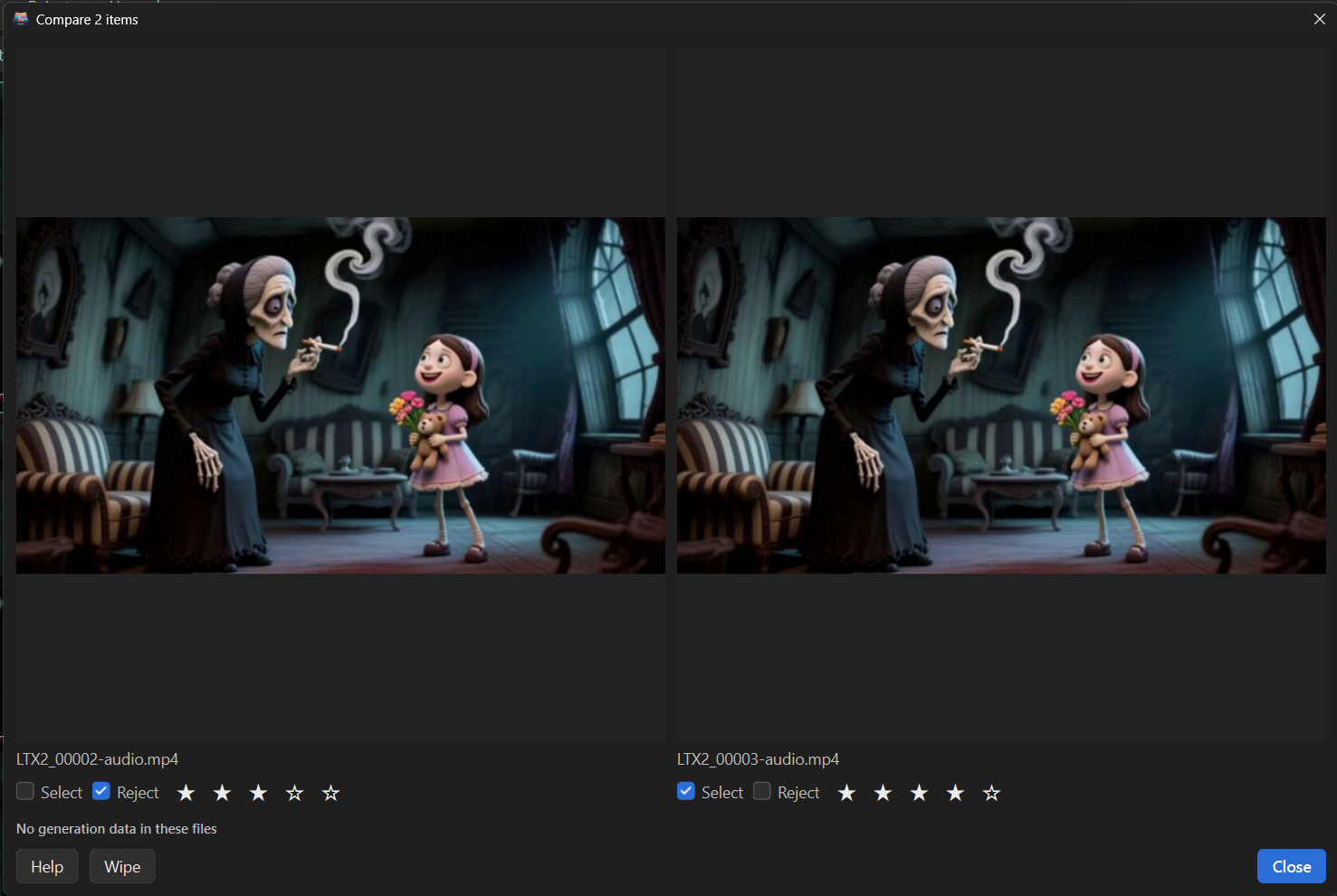
Yes. FaceTweak works on live actors and cartoon faces with the same sliders and the same timeline workflow.
Can I limit changes to just the mouth or eyes?
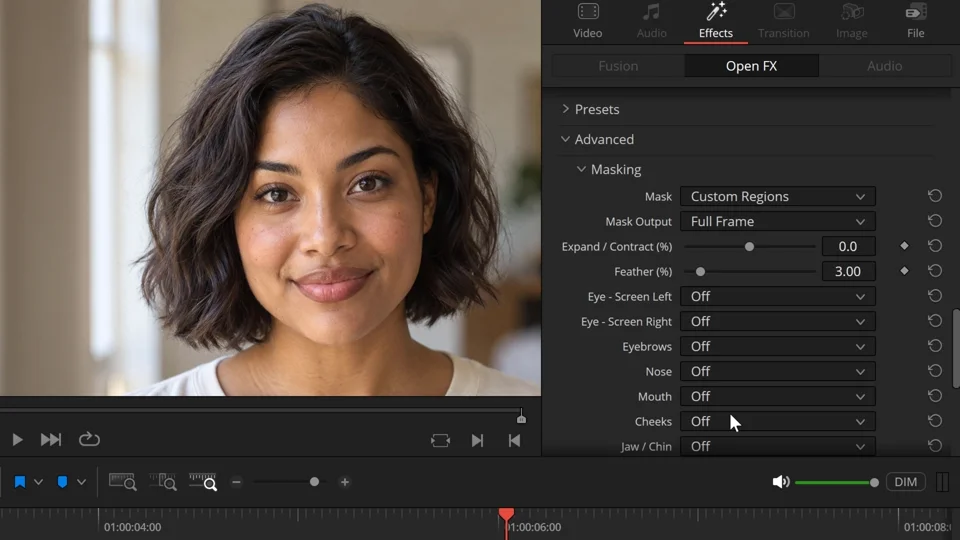
Yes. Built-in masks follow the face and let you edit selected regions or protect areas you want to keep untouched. Adjust the mask’s size and feathering, and use the overlay to check its coverage. Without masking, nearby pixels may also move to blend the edit. Masks don’t automatically recognise foreground objects such as hands or microphones; those may need separate compositing. See the masking guide.
Can FaceTweak reduce flicker or wobble between frames?
Yes. Temporal Consistency steadies the face’s placement, Detail Consistency reduces shimmer in redrawn texture, and separate Mouth and Eye Motion Smoothing controls calm movement introduced by your edit. The Keyframe Stabilizer builds a steadier result from selected reference frames, which helps most on held expressions. If a fast performance looks soft with it, reduce its strength for that stretch. These controls add processing time. Temporal Stabilize is their master checkbox and is on by default; turn it off temporarily for faster adjustments, then back on before your final render. See the temporal guide and Keyframe Stabilizer guide.
Can generated features match the shot’s motion blur?
Yes. Motion Blur helps newly generated areas, such as teeth or eye detail, match movement in the original footage. Start with Invented Detail and match the Shutter Angle to your camera where known. It follows motion in the footage; it doesn’t add blur to movement created only by animating FaceTweak’s sliders. See the Motion Blur controls.
Can I output the edited region with transparency?
Yes. Choose a mask and set Mask Output to Masked Region (Alpha). You can then composite the result over the untouched original, for example in Fusion. Feathering shapes the transparent edge, and protected regions remain transparent. To export the isolated result, choose a format that supports alpha. See the compositing guide.
Why does the picture improve after I stop dragging a slider?
FaceTweak can use a lighter preview while you adjust controls, then settle to full quality when you stop. Final renders always use full quality. Preview Policy lets you favour responsiveness or image quality. UHD detail and temporal processing can take longer, so judge the settled frame and rendered playback when checking the result. See preview settings.
Does my footage leave my computer? Can I work offline?
FaceTweak processes footage locally on your computer. License activation requires an internet connection, followed by periodic license checks. A cached license allows temporary offline use; License Details shows when the next connection is needed. See the licensing guide.
Why does FaceTweak ask me to certify rights and consent?
Before changing footage, FaceTweak asks you to confirm the rights and consent statement. That confirmation is recorded in the project for the footage. You can optionally attach a PDF, JPG or PNG release form so the paperwork travels with the edit. The record doesn’t replace signed releases, and anyone receiving the project can access an embedded attachment. See rights and release forms.